
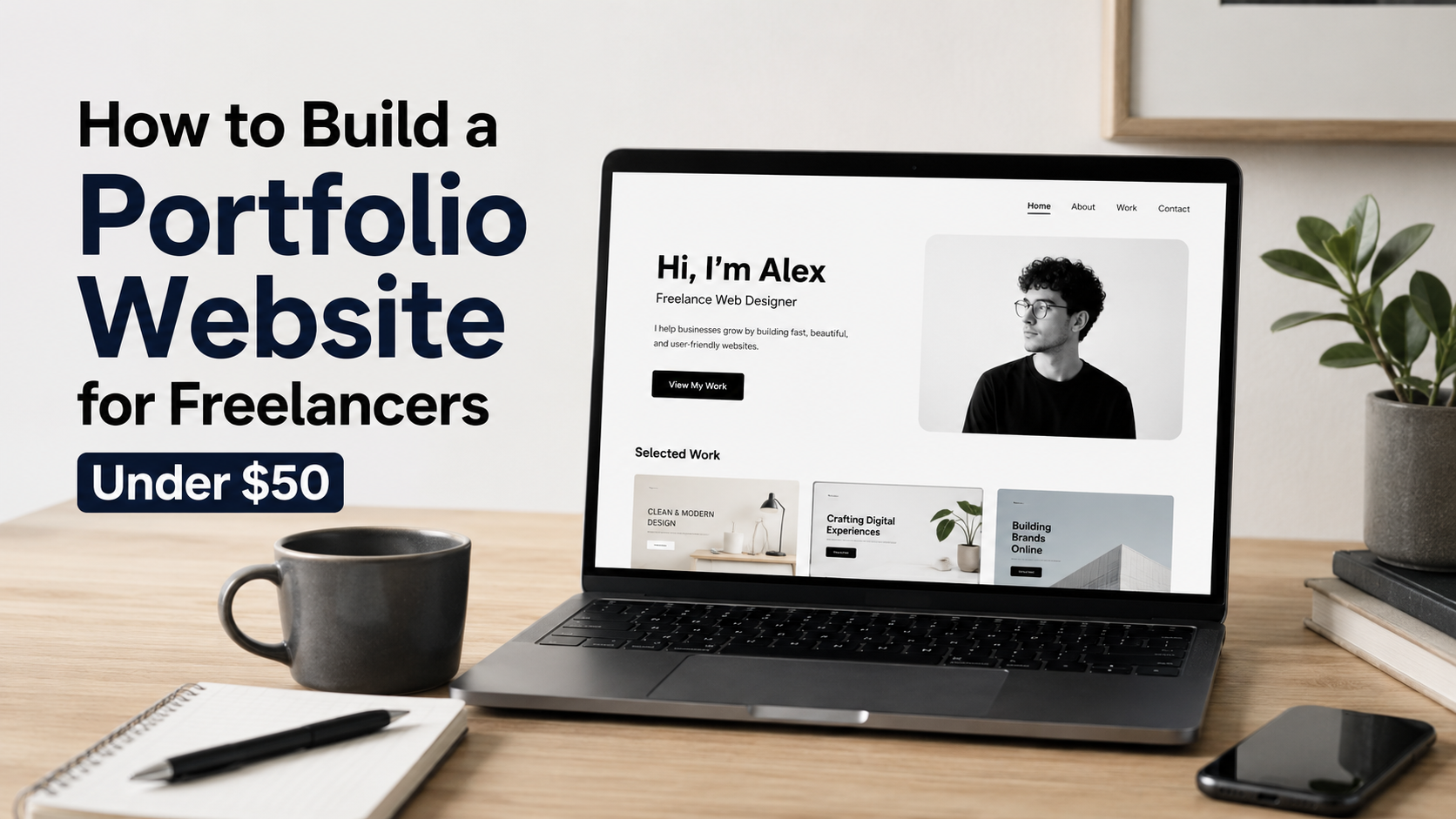
How to Build a Portfolio Website for Freelancers Under $50 (2026 Guide)
By Omayik Digital LLC | Updated August 2026
If you are a freelancer trying to get your first few clients, your portfolio site has one job: make it easy for someone to trust you fast. That is it. You do not need a startup-style landing page with parallax scrolling and a six-figure rebrand. You need a clean site that loads fast, shows your work, and tells people how to reach you.
The good news is that you can build something genuinely solid for under $50 for the first year. This guide walks through the exact pages you need, what to spend money on (and what to skip), and the cheapest honest path to getting online.
👉 Get Started with Hostinger Here: https://www.hostinger.com?REFERRALCODE=BY6AZIZMAXK8
What Pages Does a Freelancer Portfolio Actually Need?
Before you touch a website builder or theme, write a list of pages. Most freelancers either build too many pages out of anxiety, or too few because they are rushing. Here is the practical breakdown.
Must-have pages:
- Home — Who you are, what you do, and one clear call to action. Keep it short.
- Portfolio / Work — 3 to 8 real examples. Quality beats quantity here. Show the result, not just the process.
- About — A short, human version of your background. Skip the mission statement. Write like a person.
- Contact — A simple form or your email address. Add your preferred response time so people know what to expect.
Optional pages (add when you actually need them):
- Services — Useful once you have specific packages. Skip it early if you are still figuring out your niche.
- Testimonials — Pull quotes from happy clients. Can live on the home page instead of a separate page.
- Blog — Only worth building if you plan to actually write. An empty blog hurts more than no blog.
- Pricing — Saves you time filtering tire-kickers. Works best once your rates are stable.
Start with four pages. Home, Work, About, and Contact. Launch with those and add more as your business needs them. A live four-page site beats a half-built twelve-page site sitting in draft mode for three months.
Free vs. Paid Themes: What Is Actually Worth Buying?
This is where a lot of freelancers make a mistake. They either spend too much on a premium theme they do not need, or they pick the wrong free theme and waste hours fighting a bad layout.
Free themes that are genuinely good
If you are using WordPress (which is the most common setup), the official theme directory has solid free options. Astra, Kadence, and GeneratePress all have free versions that are lightweight, well-coded, and flexible enough for a portfolio. The paid versions of these are worth it eventually, but you do not need them on day one.
If you want something that looks portfolio-specific out of the box, Blocksy (free) is a good pick. It has decent default styles and works well with the built-in WordPress block editor.
When to actually pay for a theme
Paying for a theme makes sense in two situations: when you want a very specific visual style that free themes cannot match, or when you need features like a built-in portfolio grid with filtering. In that case, you are looking at $30 to $59 one-time for something like Astra Pro or OceanWP.
Do not buy a theme just because it looks impressive in a demo. Those demos always use premium plugins, custom photography, and custom fonts. Your actual site will look different. Look for themes with simple demos that match your real content.
One honest warning: Themeforest themes look great in screenshots but they often load slowly and come packed with features you will never use. For a freelancer portfolio, a lightweight theme with fewer options is almost always better.
For more context on how site structure decisions affect your budget, check out this comparison on DIY website vs. hiring a web agency in 2026. If you are on the fence about building it yourself versus outsourcing, that post lays out the tradeoffs clearly.
Hosting Cost Breakdown (Honest Numbers)
Hosting is the one thing you do need to pay for. Here is what you are realistically looking at in 2026.
| Option | Best For | Monthly Cost | Notes |
|---|---|---|---|
| Hostinger Premium | Most freelancers starting out | ~$2.99/mo | 3 sites, 20 GB SSD, free SSL. Requires 48-month commitment for this rate. |
| Hostinger Unlimited | If you want daily backups and more storage | ~$3.99/mo | Unlimited sites, 50 GB NVMe, CDN included. Same 48-month commitment. |
| WordPress.com Free | Absolute zero budget | $0 | Your URL will be yourname.wordpress.com. Looks unprofessional to clients. |
| Netlify / Vercel | Developers building static sites | $0 | Free for static sites. Needs technical knowledge. Not beginner-friendly. |
| SiteGround Startup | Budget hosting with good support | ~$3.99/mo | Intro pricing only. Renewal jumps significantly after year one. |
The hosting provider we recommend for most freelancers starting out is Hostinger. The Premium plan is reliable, comes with free SSL, and the interface is straightforward enough that you do not need a developer to set it up. The 48-month commitment sounds long, but if you are serious about freelancing, you will be running a website for years anyway.
You can get started with Hostinger here — that link uses our referral code which helps support Omayik Digital, but the pricing and quality is the same either way.
If you want to compare Hostinger against other options before deciding, we did a full breakdown on Hostinger vs Bluehost vs GoDaddy for small businesses.
The Full Cost Breakdown: First Year
Here is what an honest budget looks like for a freelancer building a portfolio site from scratch in 2026.
| Item | Free Option | Paid Option |
|---|---|---|
| Domain name (.com) | Included with some hosting plans | ~$10-15/yr |
| Hosting (first year) | WordPress.com (with subdomain) | ~$36-48/yr |
| Theme | Astra Free, Kadence Free, Blocksy | $30-59 one-time |
| SSL Certificate | Free with most paid hosts | $0 (bundled) |
| Contact Form | WPForms Lite (free) | $0 |
| Portfolio Plugin | Built-in with most themes | $0 |
Realistic first-year total: $36 to $48 using hosting plus a free domain (included with Hostinger plans) and a free theme.
If you want to use a paid theme and you are on a 48-month Hostinger plan, your first-year cost still stays well under $100. But sticking to free themes, you can get a solid portfolio site live for under $50 easily.

Platform Choice: WordPress vs. Website Builders
You have basically two paths: WordPress (self-hosted) or a website builder like Wix, Squarespace, or Webflow.
For most freelancers, WordPress is the better long-term choice. You own your content, you can move hosts, and there are thousands of free plugins for anything you need. The tradeoff is that it takes a bit more setup initially.
Website builders are faster to launch but you are renting your platform. Squarespace starts at around $16 a month. Wix has a free tier but forces their branding on your domain. For the price-conscious freelancer, neither of these beats a self-hosted WordPress site on Hostinger.
If you want to see a full comparison of platform options before committing, this breakdown of Wix vs. WordPress vs. custom build covers each option honestly, including what type of freelancer each one makes sense for.
And if you are wondering whether to DIY your site or just pay someone to do it, the answer depends on your time and the type of work you do. Our guide on web design packages and pricing can help you figure out if hiring is worth it at your stage.
What to Put in Your Portfolio When You Are Just Starting
This is the question nobody wants to answer honestly. What if you do not have client work yet?
You have a few real options here. First, do a few projects for free or at a steep discount for friends, nonprofits, or local businesses you believe in. Frame them exactly like paid work. The quality of the output is what matters, not whether money changed hands.
Second, do spec work. Pick a brand you like and redesign a small piece of their digital presence. Explain it is a concept project. Clients understand this and it still shows your thinking.
Third, document your process. If you are a developer, share a small tool you built. If you are a designer, show before-and-after screenshots with context about the decisions you made. Process posts can be more convincing than polished case studies.
Three strong pieces beat ten weak ones. If you only have three things you are actually proud of, show three. Padding your portfolio with filler makes the whole thing look weaker, not stronger.
Technical Things That Actually Matter
Once your site is up, there are a few things worth spending 30 minutes on before you share the link with anyone.
SSL / HTTPS
Your site needs to load on HTTPS, not HTTP. Hostinger includes SSL for free. Make sure it is enabled in your hosting dashboard. A site that shows “Not Secure” in the browser kills trust immediately.
Mobile layout
Most of the themes mentioned above are mobile-responsive by default. But still open your site on your phone after launch and click through every page. Things break in ways that are invisible on desktop.
Page speed
Compress your images before uploading them. A tool like Squoosh (free, browser-based) can cut image file sizes by 70 to 80 percent without visible quality loss. Large images are the single most common reason freelancer portfolio sites load slowly.
Contact form that actually works
Test your contact form by sending yourself a message. Check that it goes to your actual email inbox and not spam. WPForms Lite or Formspree (for non-WordPress setups) both work well and are free for basic use.
When to Upgrade Past $50
The under-$50 setup will serve most freelancers for their first one to two years. At some point, you will probably want to invest more. Here are the signs that it is time.
You are turning down projects because your site does not reflect the quality of your current work. You want to add functionality that free plugins cannot handle cleanly. You are moving from solo freelancing toward running a small team or agency. At that point, investing in professional web design or working with an agency like Omayik Digital makes more sense than stitching together more plugins.
But you do not need to start there. Get the site live, land a few clients, and let the revenue justify the upgrade. That is the practical path.
Quick recap: Four pages to start. Free theme from Astra, Kadence, or Blocksy. Hosting on Hostinger’s Premium plan at around $3/month. Total first-year cost under $50 if you use a free domain and free theme. Do not let the setup stop you from launching.
If you found this useful and want help with the actual build, reach out to the Omayik Digital team. We work with freelancers and small businesses across different budget ranges, and we are straightforward about what makes sense at each stage.
Published by Omayik Digital LLC — web design, development, and digital marketing for freelancers and small businesses. See our pricing or learn about us.
👉 Get Started with Hostinger Here: https://www.hostinger.com?REFERRALCODE=BY6AZIZMAXK8
Leave a Reply