
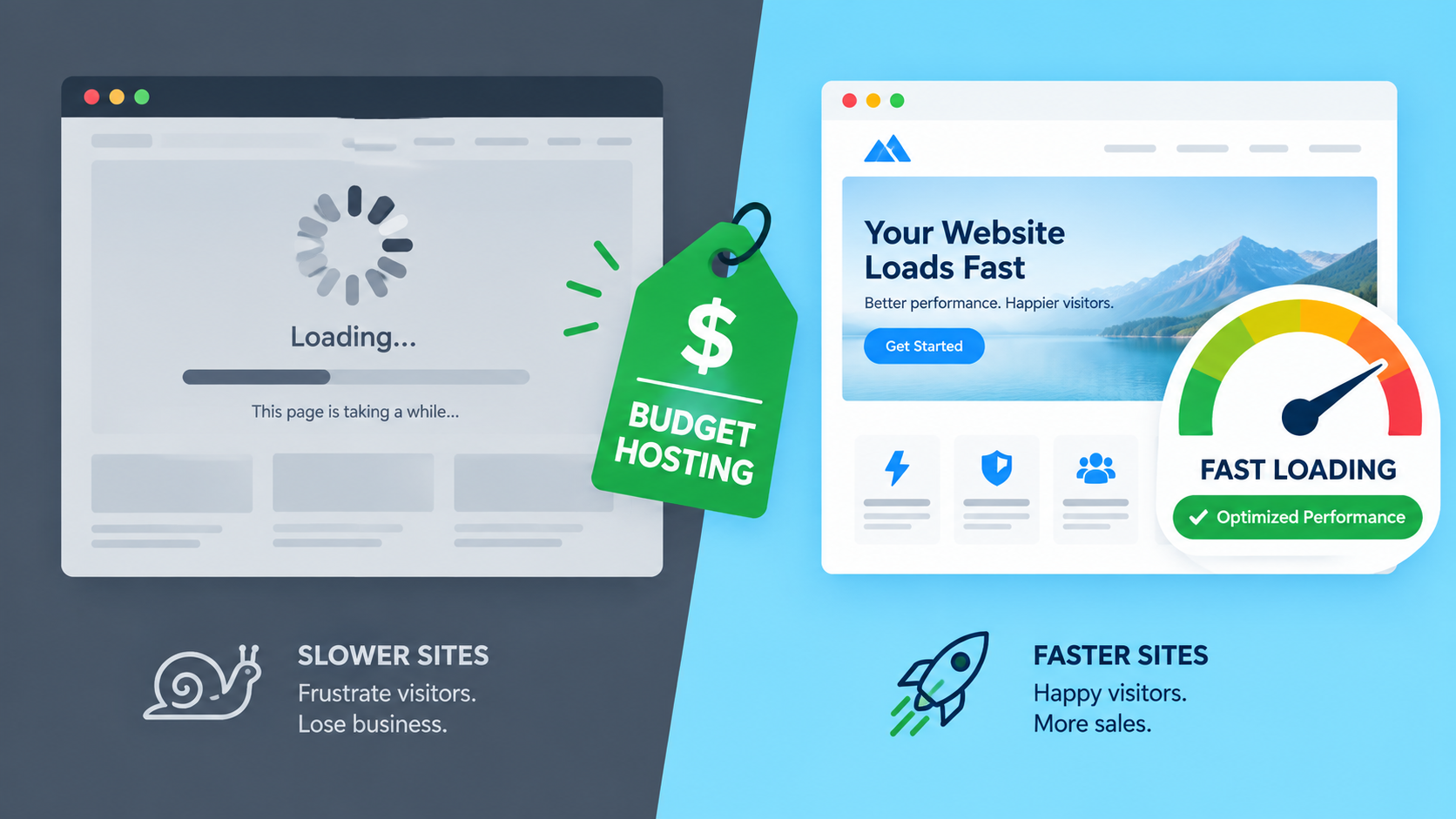
Cheapest Web Hosting That Won’t Slow Down Your Website
Cheap hosting has a bad reputation, and honestly, most of it is earned. Anyone who’s watched a $2/month plan choke the moment a blog post gets shared on Facebook knows the feeling. But “cheap” and “slow” aren’t the same thing. Plenty of budget hosts run fast, stable servers. The problem is most buyers pick based on the sticker price alone and skip the two or three things that actually determine speed.
If you’re running a small business site, a blog, or an early-stage store and don’t want to pay $30 a month for hosting you don’t need yet, here’s what actually matters at the low end of the price range, and how to avoid ending up with a site that crawls.
Why budget hosting gets slow in the first place
Almost all cheap hosting is shared hosting. Your site lives on a server with dozens, sometimes hundreds, of other websites, all splitting the same CPU, RAM, and bandwidth. That’s not inherently bad. It’s how hosting stays affordable. The trouble starts when a provider oversells that shared capacity to squeeze more revenue out of the same hardware.
A few specific things cause the slowdown:
Overselling. A server built to comfortably handle 200 sites gets loaded with 600 because the provider is betting most sites stay idle most of the time. Usually that bet pays off. But when several sites on that server get a traffic spike at once, everyone feels it.
The noisy neighbor problem. If another site on your server has a broken plugin looping database queries, or gets hit with a sudden traffic surge, your site slows down too. You didn’t do anything wrong. You just happen to share hardware with someone who did.
Old infrastructure. Some budget hosts are still running spinning HDDs instead of SSDs or NVMe drives on their entry plans, or they use outdated PHP versions and no server-side caching. This alone can double or triple your page load time regardless of how well-built your site is.
No resource isolation. Better hosts cap how much CPU and memory any single account can use, so one runaway site can’t drag the whole server down. Cheaper, lower-quality hosts often skip this, which is where the “noisy neighbor” problem gets worse instead of contained.
None of this means avoid cheap hosting. It means know which of these boxes a host actually checks before you hand over your card details.
What to actually look for at low price points
NVMe or SSD storage, not HDD. This should be non-negotiable in 2026. If a host doesn’t mention SSD or NVMe storage on their entry plan page, assume it’s the older, slower stuff. Solid-state storage alone can cut load times noticeably compared to spinning disks, even before you touch caching or a CDN.
Resource limits that are stated clearly, not vague. A host that tells you exactly how much CPU, memory, and I/O your plan gets is being straight with you. One that just says “unlimited resources” is often the one that oversells hardest, because there’s no defined limit to hold them accountable to.
A CDN included, even a basic one. A content delivery network caches your site’s static files (images, CSS, JS) across servers closer to your visitors. For a blog or business site with visitors outside your home country, this matters more than almost anything else on this list. Several budget hosts now bundle a CDN into even their cheapest tiers, which wasn’t true a few years ago.
Server location options. If most of your traffic comes from Malaysia, Singapore, or elsewhere in Southeast Asia, check whether the host has a data center in the region, or at least in Asia. A $3/month plan hosted only in the US will feel sluggish to visitors on the other side of the world no matter how good the server hardware is.
Free SSL and daily or weekly backups. These used to be upsells. Now most decent budget hosts include them standard. If a plan charges extra for SSL in 2026, that’s a sign the pricing is padded elsewhere too.
Real uptime numbers, not just a promise. Look for hosts that publish an actual uptime guarantee (99.9% is the common standard) and back it with some form of credit if they miss it. A host that won’t commit to a number in writing probably isn’t confident in their own infrastructure.
What you don’t need yet
It’s easy to overspend on hosting by buying features meant for sites much bigger than yours. Skip these until you actually need them:
- VPS or dedicated hosting, unless you’re already seeing real traffic (think several thousand visitors a day) or run something resource-heavy like a large WooCommerce store.
- Unlimited everything plans. Storage and bandwidth caps on entry-level shared hosting are usually far higher than a new site will ever hit. Paying more for “unlimited” is often just paying for a number you’ll never reach.
- Managed WordPress hosting, if you’re comfortable installing plugins and doing basic maintenance yourself. Managed plans are worth it later, not on day one.
Common mistakes people make choosing budget hosting
The biggest one is judging a host purely by the first-term promotional price. A plan advertised at $2.99/month might renew at $8 to $12/month once the introductory period ends, sometimes with a multi-year commitment required to lock in that low rate. Always check the renewal price before you buy, not just the price on the checkout button.
The second mistake is ignoring the region your visitors are actually in. Someone running a business site for a Southeast Asian audience but hosting on a US-only server is leaving speed on the table for no reason. Check the data center list, not just the price list.
The third is skipping WordPress optimization once the hosting is sorted. Cheap, well-configured hosting still gets undone by five bloated plugins, an unoptimized theme, and uncompressed images. Hosting is maybe half the speed equation. The other half is what you build on top of it.
A quick way to think about it
If your site is new, low-traffic, and mostly informational (a portfolio, a local business page, an early-stage blog), a budget shared hosting plan with SSD storage, a CDN, and a data center reasonably close to your audience will run fine. You don’t need to overspend to avoid a slow site. You need to spend correctly.
If you’re not sure which host fits your specific traffic and region, we’ve put together a detailed breakdown comparing Hostinger, Bluehost, and GoDaddy for small business hosting that goes deeper into pricing tiers and renewal terms for each. It’s worth reading before you commit to a multi-year plan, since that’s usually where people get locked into a bad deal.
For most people starting out, Hostinger’s budget plans are a reasonable place to start. If you’d rather skip the research and just want your site fast, secure, and set up right the first time, ask Omayik about our all-in hosting bundle. We handle the hosting, the setup, and the optimization together, so you’re not stuck troubleshooting a slow site six months in.
Have questions before you switch hosts or launch something new? WhatsApp us at +1 505-528-0966 and we’ll walk through your options.
Sources referenced: Hostinger vs Bluehost comparison, Hostinger 2026 hosting cost breakdown, why shared hosting slows down, Namecheap Stellar renewal pricing up
Leave a Reply