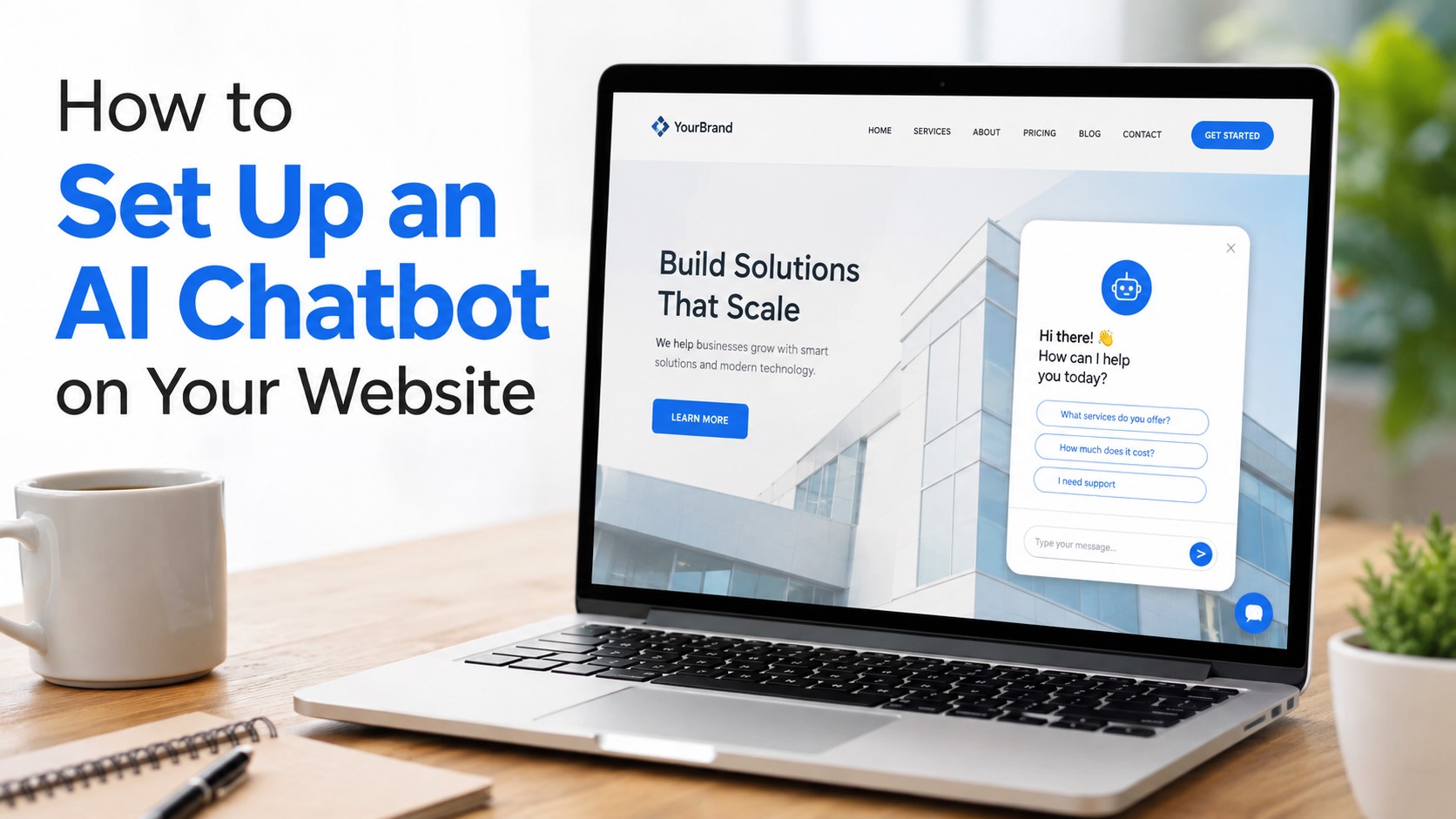
How to Set Up an AI Chatbot on Your Website (Without Writing a Single Line of Code)
Published by Omayik Digital LLC
You don’t need to be a developer to add a chatbot to your website anymore. Tools have come a long way. Today, you can have a chatbot up and running in under an hour, answering questions, capturing leads, and helping visitors, even while you sleep.
This guide walks you through how it works, which tools to use, and when it makes more sense to go with a custom-built AI agent instead of a basic plug-and-play tool.
Why Add a Chatbot to Your Website?
Think about the last time you visited a website and had a question. You probably looked around for a few seconds, didn’t find the answer fast enough, and left.
That’s what happens to your visitors too.
A chatbot fixes that. It shows up the moment someone lands on your page, answers common questions right away, and can even book appointments or collect emails automatically. For small businesses especially, that kind of 24/7 coverage used to require hiring someone. Now it doesn’t.
If you’re still deciding whether to build your own site or hire an agency, check out our breakdown: DIY Website vs. Web Agency: What Actually Costs More?
The Three Main Types of Chatbot Tools
Before you pick a tool, it helps to know what you’re actually choosing between.
1. Rule-Based Chatbots
These follow a script. You set up a flow, the bot asks questions, and the visitor clicks through preset answers. Tools like ManyChat and Tidio’s basic plan work this way.
They’re fine for simple things like “What are your hours?” or “Where are you located?” But the second someone asks something off-script, the bot gets stuck.
2. AI-Powered Chatbots
These use a language model to actually understand what the visitor is asking and reply with a real answer, not just a canned response. Tools like Tidio’s Lyro AI, Intercom, or a custom-built agent from a team like Omayik Digital LLC fall into this category.
The difference is massive. A rule-based bot feels like a phone tree. An AI chatbot feels like talking to someone who actually works there.
3. Custom-Trained AI Agents
This is where things get really powerful. Instead of a generic bot, you get one trained on your specific business, your services, your FAQs, your tone. It knows your pricing. It knows your process. It can even hand off to a human when the conversation gets complex.
We’ll come back to this option at the end because for most growing businesses, it’s worth knowing about.
Tool 1: ManyChat
ManyChat started as a Facebook Messenger bot builder, and it’s expanded since then. You can now use it on Instagram, WhatsApp, SMS, and websites.
What it’s good for:
- Lead capture sequences
- Running promotions or giveaways
- Connecting with people who engage on social media
What it’s not so great at:
- Handling complex questions on a website
- Sounding natural in open-ended conversations
- Being the primary support tool for a service business
How to set it up:
- Go to manychat.com and create a free account
- Connect your Facebook Page or Instagram
- Build a flow using their drag-and-drop editor
- Add the widget to your website by copying a small embed code (no coding knowledge needed)
- Test it out
ManyChat has a free plan that works fine for basic flows. Paid plans start around $15/month.
Tool 2: Tidio
Tidio is probably the most beginner-friendly chatbot tool specifically for websites. It combines live chat, AI responses, and automation in one place.
What it’s good for:
- Ecommerce websites (it integrates with Shopify and WooCommerce)
- Answering FAQs automatically
- Capturing leads and routing them to a human
What makes it stand out:
Tidio has a built-in AI called Lyro that can actually read your help content and answer customer questions based on it. You don’t train it by hand. You just point it at your FAQ page or knowledge base, and it figures out the rest.
How to set it up:
- Sign up at tidio.com
- Install the plugin if you’re on WordPress (it takes about 2 minutes)
- Or copy the widget code and paste it before the closing
</body>tag on your site - Set up your first automation (they have pre-built templates you can just activate)
- Turn on Lyro AI and connect your FAQ content
Tidio’s free plan covers the basics. Their Lyro AI plan starts around $29/month.
If you’re running a WordPress site and want to see what a well-built website looks like before adding tools like this, take a look at our WordPress development services.
Tool 3: Intercom
Intercom is more of a full customer communication platform, but it has excellent AI features built in. It’s better suited for companies that are scaling or already have some web traffic.
What it’s good for:
- SaaS companies and startups
- Businesses that want AI + live agent handoff in one place
- Teams that want detailed analytics on customer conversations
What to know before signing up: It’s more expensive than the other options here, starting around $74/month. But if you need something reliable that handles a high volume of conversations, it’s worth it.
The Honest Comparison
| Tool | Best For | AI Quality | Ease of Setup | Starting Price |
|---|---|---|---|---|
| ManyChat | Social media + simple flows | Basic | Very easy | Free / $15/mo |
| Tidio | Small business websites | Good (Lyro AI) | Easy | Free / $29/mo |
| Intercom | Scaling businesses | Excellent | Moderate | ~$74/mo |
| Custom AI Agent | Any business wanting real results | Best | Done for you | Custom |
What These Tools All Have in Common (and Where They Fall Short)
Every tool above gives you a generic chatbot that works the same way for everyone. You get to change the colors, the name, maybe the opening message. But at its core, it’s the same bot thousands of other businesses are using.
That means:
- It doesn’t know the specific way you describe your services
- It can’t answer nuanced questions about your process
- It might give a vague answer when someone asks something specific about your business
- It represents your brand with someone else’s technology
For a lot of small websites, that’s fine. But if your business depends on converting visitors into clients, a generic bot leaves money on the table.
The Better Option: A Custom-Trained AI Agent
This is where things get more interesting.
A custom AI agent is built specifically for your business. It’s trained on your content, your services, your FAQs, your pricing, and your tone of voice. When someone asks “What does your SEO package include?” it gives your actual answer, not a guess.
At Omayik Digital LLC, we build and deploy custom AI agents for small and mid-sized businesses. We handle the setup, the training, the integration with your website, and the ongoing maintenance.
You don’t have to learn a new platform. You don’t have to build flows or figure out which AI model to use. You get a chatbot that actually sounds like your business.
If you’re curious what this looks like in practice, we’re happy to walk you through it: Contact us here.
What About Website Hosting?
If you’re just getting started or thinking about building a new website to put that chatbot on, hosting matters. We’ve used and recommended Hostinger for a lot of our clients, especially small businesses that want reliable speed without overpaying.
You can get started with Hostinger here: hostinger.com (this is a referral link, so you’ll get a discount and we get a small commission, no extra cost to you).
For a full breakdown of your options, read our post: Hostinger vs. Bluehost vs. GoDaddy: Best Hosting for Small Businesses in 2026
Before You Pick a Tool, Ask Yourself These Three Questions
1. How many conversations do you expect per month? If it’s under 100, any free plan works. Over 500, you need something more robust.
2. Do visitors ask the same questions over and over? If yes, a rule-based bot is fine. If they ask different things, you need AI.
3. Does your chatbot need to represent your brand well? If yes, skip the generic tools. Go custom.
How to Actually Get It Live (Step by Step)
Here’s the simplest path for a small business owner who wants a chatbot up without hiring a developer:
- Pick your tool (Tidio is our starting recommendation for most small sites)
- Sign up and go through their onboarding wizard
- Set up 5-10 common questions and their answers
- Enable any AI features your plan includes
- Add the widget to your website (paste the code, or install the plugin)
- Test it from your phone and your desktop
- Check conversations after the first week and update answers that weren’t helpful
That’s it. Seriously. It’s not complicated, you just have to actually do it.
The Bottom Line
Adding a chatbot to your website is one of the cheapest ways to improve how your site works for visitors. Tools like ManyChat and Tidio make it easy to start. But if you want something that actually reflects your business and converts visitors into clients, a custom-built AI agent is the smarter investment.
If you want to skip the trial and error and just have it done right, Omayik Digital LLC handles it from start to finish.
Curious about what else we build? Check out our web development services and digital marketing services to see the full picture.
Have a question about chatbots or AI for your website? Reach out to our team and we’ll point you in the right direction.
Leave a Reply