
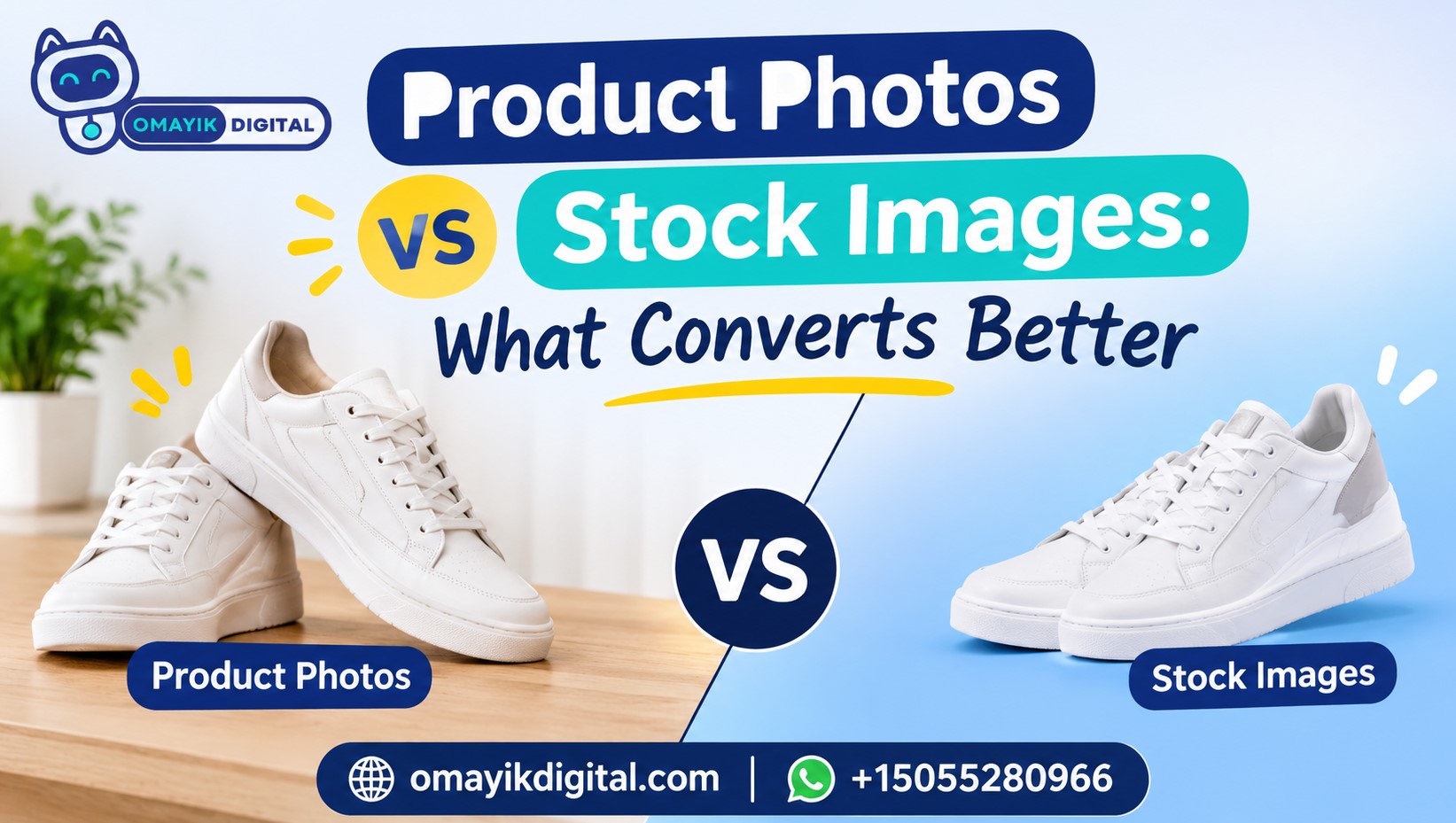
Why Product Photos and Promo Videos Convert Better Than Stock Content
Nobody trusts a stock photo of a salon anymore. They want to see yours. If your site, Instagram, or Google profile runs on generic images, you are asking people to trust a business they cannot actually see.
Why stock photos stopped working
People have seen the same smiling woman at a laptop on a hundred different websites. The same stylist with perfect hair. The same handshake in a bright office. Most shoppers can’t say where they saw it, but they feel it. Something looks off, and they move on.
That quick feeling matters more than most owners think. A visitor decides in a few seconds whether your business looks real, and they decide mostly with their eyes. When the first image on your page could belong to any business in any city, they have no reason to believe it belongs to yours.
There is a second problem. Stock photos are made to fit everyone, so they say nothing specific. They can’t show your shop front, your team, your prices on the wall, or the work you finished last Tuesday. For a local or small brand, those details are the whole sale.
What real visuals do that stock can’t
Real photos and short videos of your own work do three jobs that stock images never can.
They prove you exist. A photo of your actual storefront, your actual team, and your actual finished product tells a stranger you are a real business with real people. That is the first hurdle for any new customer, and it is bigger for small brands than for big ones, because nobody has heard of you yet.
They show what the customer will actually get. Someone booking a haircut wants to see haircuts you gave, not a model in a studio. Someone buying a handmade candle wants to see the real color, the real size, and the real jar. When the picture matches what arrives, you get fewer returns, fewer awkward messages, and better reviews.
They answer questions before anyone asks. A 20 second video of how your cleaning crew works, or how a product looks from every side, saves a dozen back and forth messages. Customers who feel informed are more ready to buy, and they arrive with fewer doubts.
This is why real content tends to move people from “just looking” to “let me contact them.” It lowers the risk the buyer feels. If you want to see how this fits into a wider plan, our Creatives service page explains how product photos, graphics, and video work together.
Real does not mean sloppy
Here is where some owners go wrong. They hear “be authentic” and think any blurry, dark phone photo will do. It won’t.
The goal is honest, not careless. A good real photo still has clean light, a tidy background, and a clear subject. It just shows your real place and your real work. Think of it like a clean shop floor. You are not hiding anything, and you are not leaving a mess either.
A simple test: would a first time customer walking in the door see this? If yes, and it looks good, use it. If the photo is too dark to read or the product is half out of frame, skip it, even though it is real.
This is also why polish alone has lost its edge. A perfectly lit image with no personality looks the same as every other perfectly lit image. A slightly imperfect photo of your actual work, taken well, wins because people can tell it is true.
What to shoot first, by business type
You don’t need a huge library. You need the right ten to fifteen images and a few short clips. Start here.
| Business | Shoot these first |
|---|---|
| Salon or barbershop | Finished cuts and color from a few angles, the chair area, your team at work, a quick before and after clip |
| Restaurant or cafe | The top five dishes in natural light, the counter or kitchen, a short pour or plating clip |
| Cleaning or home service | Before and after shots of real jobs, your crew in uniform, your equipment, a walk through clip of a finished space |
| Online shop | Each product on a plain background, then in use, then a close up of texture or detail, plus a 15 second demo |
| Clinic or studio | The front door and reception, the treatment room, your team, a short intro from the owner |
If you only do one thing this week, shoot the product or service people ask about most. That is usually the one that sells.
Photos or promo videos: where each one fits
You don’t have to pick one. They do different jobs, so most small businesses need both.
| Product and service photos | Promo videos | |
|---|---|---|
| Best for | Websites, product pages, Google profile, menus, price lists | Instagram Reels, TikTok, Facebook, landing pages, ads |
| What it shows | Detail, color, size, quality | Movement, process, personality, the people behind the work |
| Trust it builds | “This is real and it looks good” | “I know who these people are” |
| Effort to make | Low. One good afternoon covers a lot | Medium. Needs a plan, but short clips are enough |
| Lifespan | Long. Can last a year or more | Shorter. Refresh every few weeks or months |
A practical rule: use photos to answer “what is it?” and video to answer “who are these people and how do they work?” If you want help turning raw clips into something clean, our video editing and graphic design services cover exactly that.
Common mistakes small businesses make
- Mixing stock and real photos on the same page. The stock image drags down the real ones. Visitors start to wonder which parts are true.
- Shooting in bad light. Indoor yellow bulbs and harsh flash make food, skin, and products look wrong. Shoot near a window or outside in soft daylight.
- Messy backgrounds. A cluttered counter or a pile of boxes behind the product takes attention away from it. Clear the frame first.
- Filters that change the color. If the customer gets a different shade than the photo showed, trust drops fast.
- Videos that are too long. Most people watch the first few seconds. Put the best moment first and keep it short.
- No captions on video. Many people watch with the sound off. Add simple text so the message still lands.
- Posting once and stopping. A single burst of content doesn’t build much. A steady trickle does.
- Hiding the people. Customers of local businesses buy from people. A face and a name help more than another product shot.
A simple 30 day plan
- Week 1: Shoot the basics. Pick one bright afternoon. Capture your front, your team, and your top five products or services. Aim for 30 photos so you can keep the best 12.
- Week 2: Add short video. Film three clips of 10 to 20 seconds each: a finished job or product, a quick “how we do it,” and a short hello from the owner.
- Week 3: Replace the stock. Swap every stock image on your homepage, service pages, and Google Business Profile with your own. Start with the top of the homepage, since that is what people see first.
- Week 4: Publish and watch. Post the clips on the platforms your customers use. Check which ones get saved, shared, or lead to a message, and make more of those.
After the first month, keep it light. One new photo set and one or two clips every couple of weeks is enough. If your site also needs a refresh to show the new content well, our guides on small business web design and landing page design are a good next read.
When a phone is enough and when to hire a pro
A modern phone is good enough for a lot of this. Clean the lens, use window light, hold it steady, and shoot a bit more than you need. For everyday posts and behind the scenes clips, that works well.
Bring in a professional when the stakes are higher or the work needs to look consistent:
- Your homepage, hero images, and key product pages
- A launch, a rebrand, or a paid ad campaign
- Products with fine detail, like jewelry, cosmetics, or food
- A promo video that will run for months
- Any time your own shots keep coming out uneven
A good middle path is to hire a pro for the main set once, then keep the rest fresh with your phone in the same style. If you are weighing cost, the pricing plans page is a place to start, and our website cost guide helps you plan the bigger picture. You can also see past work on the portfolio page.
FAQ
Are stock photos ever okay? Yes, for things that are not about your business, like a generic background or an icon. Don’t use them to show your team, your shop, your products, or your results.
Do I need a big budget to start? No. A phone, daylight, and a clean background get you most of the way. Spend money on the few images that carry the most weight, like your homepage and top products.
How many photos and videos do I need? Ten to fifteen strong photos and three short clips is a solid start for most small businesses. Add more over time.
Will real content really help me get more customers? No visual can promise a result on its own. But real content makes your business easier to trust, and trust is what moves people to call, book, or buy. It also pairs well with organic marketing and digital marketing because there is finally something real to share.
Your next step
Want your business to actually look like your business online? Let’s talk about visuals.
Tell us what you sell and where your photos live today, and we will tell you what to keep, what to replace, and what to shoot first. Message us on WhatsApp at +1 505 528 0966 or reach out through the contact page.
Leave a Reply